A focused connection flow
Add a compatible link or QR code, choose a server and allow the system VPN configuration. No client registration.
 Halal Client
A free network utility for secure connections using your configuration. Built for iPhone and iPad.
The app is being prepared for its App Store release.
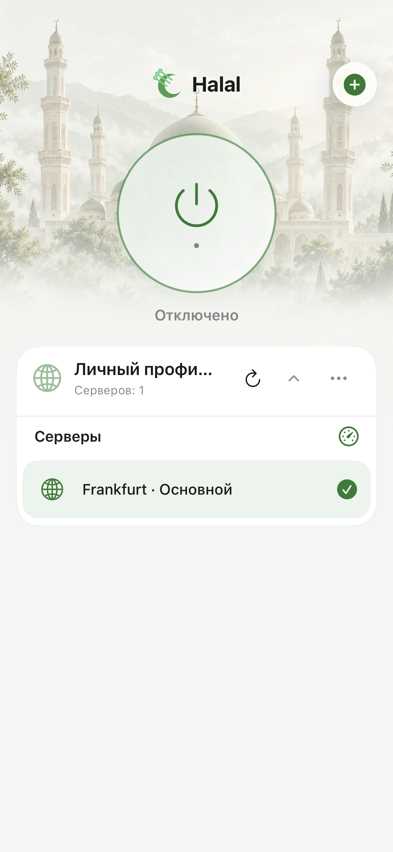
Add a compatible link or QR code, choose a server and allow the system VPN configuration. No client registration.
Review TLS/Reality, DNS and routing parameters. On-device inspection explains settings; it does not certify server security.
Compare the current profile with the previous saved import: servers, transport, DNS and rules. Credentials are not displayed in this overview.
Use your compatible link, file or QR code.
Inspect the profile and choose a server.
Allow the system VPN configuration on your device.
Halal Client is a network utility. Use it only for connections you are authorized to make, and follow applicable access restrictions. Results depend on your configuration, server and network.